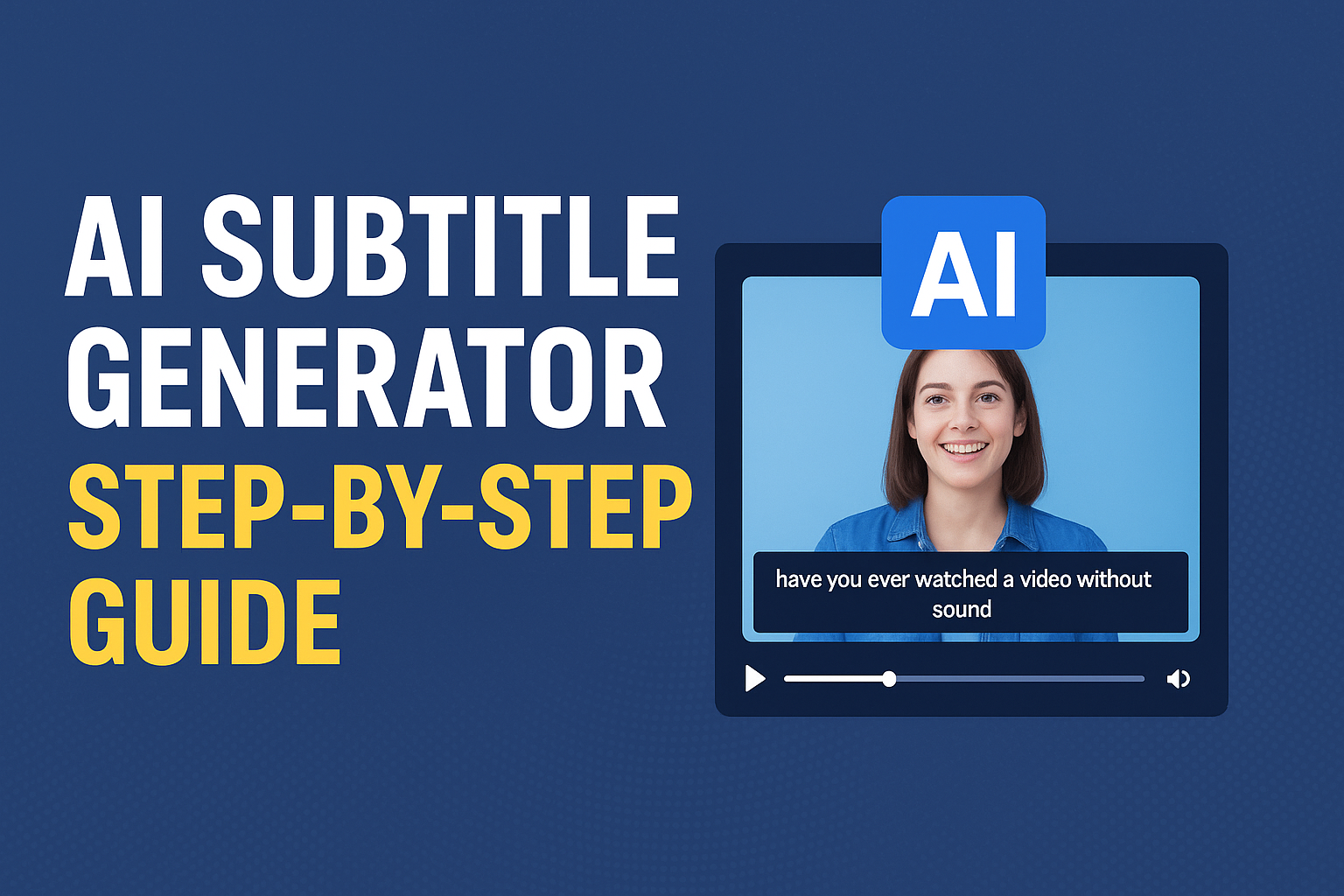

Generate Subtitles for Videos Using AI – Full Step-by-Step Guide
In today’s fast-paced digital world, videos have become one of the most powerful ways to communicate. Whether you’re a YouTuber, content creator, marketer, or teacher—video is your best friend. But here’s the thing: a great video isn’t just about visuals or sound — it’s about accessibility and understanding.
That’s where AI-generated subtitles come in.
Have you ever watched a video without sound and still understood it clearly because of subtitles? Or maybe you’ve watched a foreign-language video with English subtitles and felt connected instantly? That’s the magic of subtitles—they bridge communication gaps and make your content accessible to everyone, everywhere.
In this detailed blog, we’ll break down everything you need to know about generating subtitles for videos using AI, from what subtitles are, why they matter, how AI makes the process faster and smarter, and step-by-step methods to create them—even if you’re a beginner.
What Are Subtitles?
Subtitles are the written text displayed at the bottom of a video that represents the spoken dialogue, narration, or sounds. They help viewers understand the audio content—especially if the language, accent, or clarity of the speaker is hard to follow.
There are two types of text used in videos:
- Subtitles: These display the spoken words of the dialogue, usually translated or transcribed for the viewer.
- Closed Captions (CC): These include extra audio details like background sounds, music cues, or sound effects, designed mainly for viewers who are deaf or hard of hearing.
Why Subtitles Matter More Than Ever
Before we dive into the AI part, let’s understand why subtitles are essential for any video today:
1. Accessibility
Over 430 million people worldwide have disabling hearing loss. Subtitles ensure they can still enjoy your videos. That’s not just inclusion—it’s impact.
2. Increased Watch Time
Research shows that videos with subtitles have 15% higher engagement and 80% better completion rates than those without. People tend to watch longer when they can read along.
3. Better Understanding
Accents, slang, or fast speech can make comprehension difficult. Subtitles clarify every word.
4. SEO Benefits
Search engines can’t “listen” to videos, but they can “read” text. Subtitles and transcripts improve your video SEO, making your content more discoverable on YouTube and Google.
5. Multilingual Reach
You can easily translate your subtitles into different languages, reaching a global audience without reshooting your video.
How AI Is Transforming Subtitle Generation
Traditionally, creating subtitles was a manual, time-consuming process—someone had to listen to the video, type out the words, match the timing, and then sync everything perfectly.
With AI, all that’s changing.
AI uses Automatic Speech Recognition (ASR) and Natural Language Processing (NLP) to analyze audio, recognize speech patterns, and convert them into accurate text—all in minutes.
Here’s what AI does step by step:
- Audio Detection: It detects the speech in your video file.
- Speech-to-Text Conversion: The AI converts spoken words into written text.
- Timestamp Synchronization: It matches each word or sentence to the exact time it’s spoken.
- Punctuation and Grammar Fixing: It automatically adds punctuation, capitalization, and even speaker identification.
- Translation (Optional): Many AI tools can instantly translate the subtitles into multiple languages.
The result? Clean, perfectly timed subtitles generated within minutes.
Top AI Tools to Generate Subtitles Automatically
YouTube Studio (Free Option)
If you upload videos to YouTube, it automatically generates subtitles using AI.
- Pros: Free, built-in, supports multiple languages, editable captions directly in YouTube Studio.
- Cons: Accuracy depends on audio quality, limited customization options.
Kapwing
Kapwing is a user-friendly AI-powered video editor with an automatic subtitle generator.
Steps: Upload → Auto-subtitle → Edit → Export.
- Easy to use.
- Great for short videos and social media clips.
- Allows you to style subtitles.
- The free version adds a watermark.
Veed.io
VEED is a popular online video editor with a robust AI subtitle generator.
- Automatically transcribes audio.
- Real-time editing and timing.
- Custom subtitle fonts and colors.
- Supports translation into multiple languages.
Descript
Descript uses advanced AI to generate subtitles and transcripts simultaneously.
- Studio-quality transcription.
- Edit video by editing text.
- Perfect for podcasts and tutorials.
Subtitle Edit Pro / Happy Scribe / Otter.ai
Professional creators love these tools for large projects. They support batch processing, time alignment, and integration with major editors like Premiere Pro and Final Cut.
Step-by-Step Guide: How to Generate Subtitles Using AI
Step 1: Upload Your Video
Go to veed.io, create an account, and upload your video. You can upload from your computer, Dropbox, or even a YouTube link.
Step 2: Auto-Generate Subtitles
Once uploaded, select the “Subtitles” tab and click “Auto Subtitles.” Choose the video’s spoken language and hit Start. AI will begin transcribing your audio into text.
Step 3: Review and Edit
After processing, review the text. You can manually fix any errors, adjust timing, or change formatting like font, size, and color.
Step 4: Add Style (Optional)
To make your subtitles look attractive, choose from various styles—bold, cinematic, or minimalist—depending on your content.
Step 5: Download or Export
Once satisfied, export your video with embedded subtitles or download the subtitle file in formats like .srt, .vtt, or .txt for separate upload.
Best Practices for Perfect Subtitles
- Keep It Readable: Use short lines (1.5–6 seconds per subtitle).
- Sync Perfectly: Match the speaker’s words precisely.
- Use Proper Grammar and Punctuation: Always proofread for clarity.
- Highlight Emotions or Sounds: Add [Applause], [Laughs], or [Music Playing] where needed.
- Choose a Clean Font: Fonts like Arial or Roboto are clear and easy to read.
- Translate for Global Reach: Translate subtitles into multiple languages for global audiences.
The Future of AI Subtitles
The future is bright—and multilingual. AI subtitle technology is evolving to:
- Auto-detect multiple speakers.
- Recognize regional accents with high accuracy.
- Translate in real time during live events.
- Integrate with VR/AR platforms for immersive experiences.
Soon, we might have AI-powered glasses that display subtitles live as someone speaks—turning science fiction into everyday reality.
Common Challenges and How to Fix Them
| Problem | Possible Cause | Fix |
|---|---|---|
| Inaccurate words | Background noise or multiple speakers | Clean audio or use noise reduction |
| Missing timestamps | Wrong video format | Re-export or upload in MP4 |
| Wrong language detection | Accents or mixed languages | Select correct input language manually |
| Out-of-sync subtitles | Frame rate mismatch | Adjust timing manually in subtitle editor |
Manual vs AI Subtitle Creation: Comparison
| Feature | Manual Method | AI Method |
|---|---|---|
| Time Taken | Hours | Minutes |
| Cost | High (requires editor) | Affordable or free |
| Accuracy | Depends on skill | 85–98% (based on audio quality) |
| Translation | Manual input | Automatic multi-language |
| Best For | Small projects | Any scale or platform |
Where to Use AI Subtitles
- YouTube videos
- Online courses (Udemy, Skillshare)
- Reels and Shorts
- Corporate training videos
- Educational lectures
- Podcasts and interviews
- Marketing campaigns
- TV shows and documentaries
Bonus Tip: Use Subtitles for More Than Accessibility
- Create blog posts: Convert your transcript into written content.
- Boost SEO: Upload transcript text to your website.
- Generate social snippets: Add captions for Instagram, TikTok, and Facebook videos.
Subtitles help your content speak in multiple languages, appear in more search results, and connect globally—all powered by AI.
Conclusion: Let AI Do the Talking (and Writing)
In a world where attention spans are short and competition is fierce, adding AI-generated subtitles isn’t just an option—it’s a necessity.
- More inclusive
- More understandable
- More discoverable
- And ultimately, more successful
The best part? You don’t need technical skills. Whether you use YouTube Studio, VEED.io, or Kapwing, AI will handle the hard work while you focus on creativity.
So, the next time you upload a video, remember—a few clicks with AI can make your content shine in every corner of the world.
Let your words be seen, not just heard. 🌍🎥
RRB Official website:: CLICK HERE
Current Affairs: Click Here
Job Updates: Click Here
SSC Official website: Click Here