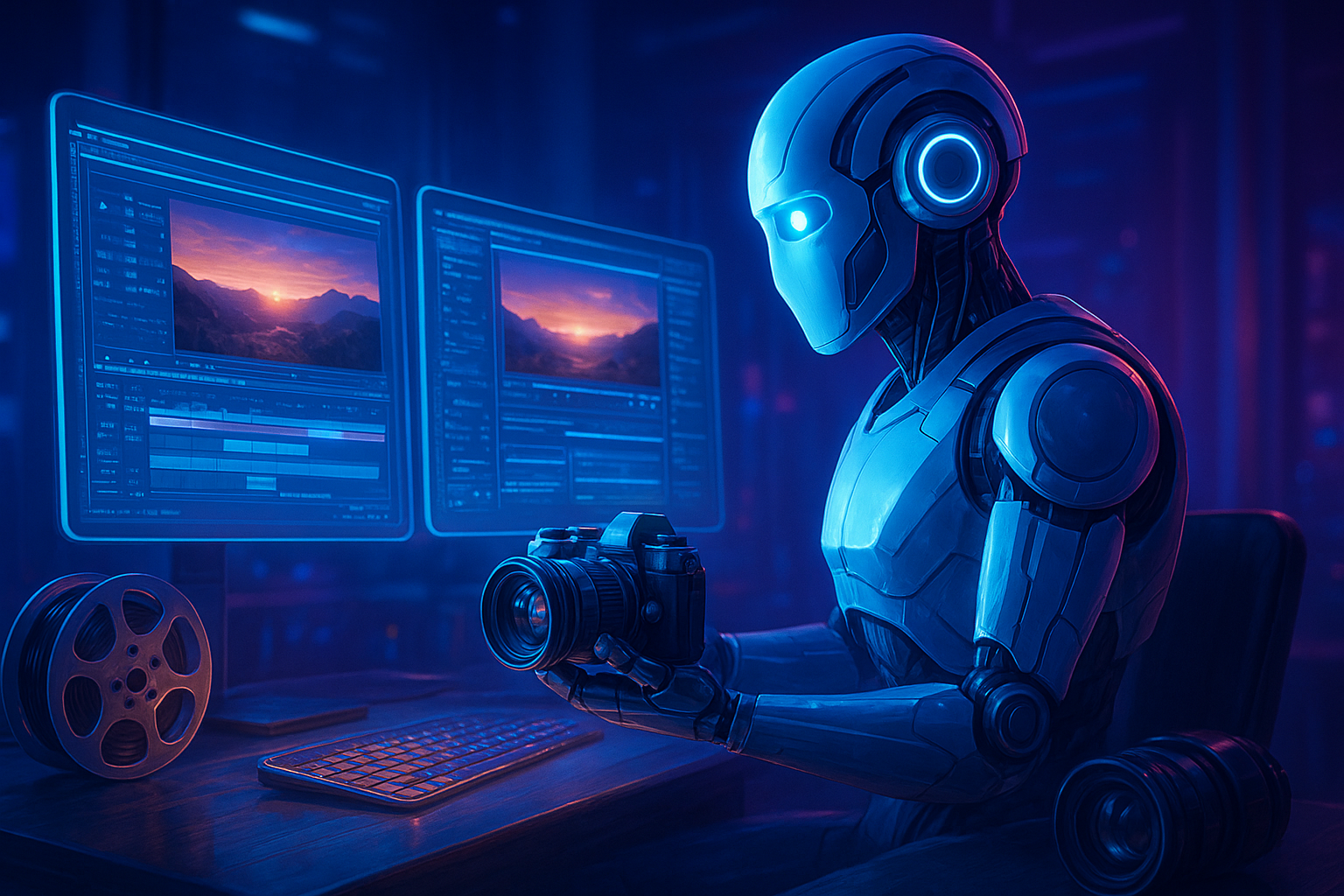

Best AI Prompts for Video Making & Editing in 2025: Boost Your Creativity Instantly
Creating stunning videos no longer requires a studio, a professional editor, or expensive software. Thanks to the rise of AI-powered video tools, you can now produce cinematic videos, YouTube content, Instagram reels, and ad campaigns—all from the comfort of your laptop or phone.
But here’s the catch—AI is only as good as your prompt.
If you know what to tell the AI, it can produce breathtaking results. That’s where this guide comes in.
In this article, we’ll explore the best AI prompts for video making and video editing, how to use them for different purposes, and which tools give the best results. Whether you’re a YouTuber, content creator, or business marketer, these prompts will help you create videos that grab attention and boost engagement.
What Are AI Prompts for Video Making?
AI prompts are short instructions or detailed descriptions that tell the AI what kind of video you want to create. Think of it as giving directions to a super-smart assistant who can understand your creative vision.
Example:
“Create a 30-second motivational video of a sunrise over mountains with background music and a voiceover saying, ‘Every new day is a chance to shine.’”
That’s an AI prompt. The better and more detailed your prompt, the better the output.
Why Use AI Prompts for Video Making and Editing?
AI video tools like Pika Labs, Runway ML, Synthesia, Kaiber, and Animoto can generate videos in seconds. But they rely on strong prompts to understand what you want.
- Turn ideas into professional-looking videos without editing skills.
- Add background music, transitions, and effects automatically.
- Generate realistic AI avatars and voices.
- Save hours of manual editing time.
- Maintain a consistent aesthetic and storytelling style.
Best AI Tools for Video Making and Editing in 2025
| Tool | Best For | Features |
|---|---|---|
| Pika Labs | Cinematic short clips | Text-to-video, motion effects, realistic lighting |
| Runway ML | Editing and creative storytelling | Background removal, motion tracking, video-to-video |
| Kaiber | Music videos & creative reels | AI-generated visuals synced with music |
| Synthesia | Corporate & educational videos | AI avatars, voiceovers, script-based generation |
| Descript | Editing & podcast videos | AI text-based editing, filler word removal |
| Animoto | Social media videos | Drag-and-drop AI video templates |
25 Powerful AI Prompts for Video Making and Editing
Here are 25 human-like, ready-to-use prompts for different types of video creation.
1. YouTube Intro Prompt
“Create a cinematic 10-second YouTube intro video with glowing text animation that says ‘Welcome to TechPulse’ in futuristic style, with upbeat electronic background music.”
2. Travel Reel Prompt
“Generate a 30-second travel video showing beautiful beaches, mountain views, and drone-style cityscapes with relaxing lo-fi music and smooth transitions.”
3. Motivational Video Prompt
“Create a 1-minute motivational video with clips of sunrise, people running, and mountains, with inspiring background narration saying ‘Never give up on your dreams.’”
4. Educational Explainer Prompt
“Produce an AI avatar explaining ‘How Artificial Intelligence Works’ with motion graphics, on-screen text, and clear voiceover in neutral tone.”
5. Product Promo Video Prompt
“Generate a 15-second promotional video for wireless earbuds featuring close-up shots, sleek transitions, upbeat music, and text: ‘Experience Sound Like Never Before.’”
6. App Demo Video
“Show a step-by-step demo of a mobile app with screen recording simulation, highlighting features, and ending with a CTA: ‘Download Now.’”
7. Music Video Prompt
“Create a dynamic AI-generated music video that syncs visuals with a fast electronic beat, featuring colorful neon waves and dance motion visuals.”
8. Nature Documentary Style
“Generate a 60-second documentary-style video about wildlife in Africa with cinematic camera movements and a calm narration voice.”
9. Small Business Ad Prompt
“Make a 20-second promotional video for a local coffee shop showing steaming cups, cozy interiors, and smiling faces with warm music.”
10. Corporate Presentation
“Create a 1-minute professional video introducing a startup’s mission and team members, with clean text animations and calm background music.”
11. Trendy Instagram Reel
“Generate a 20-second Instagram reel about morning routines with trendy transitions, energetic background beats, and motivational captions.”
12. Gaming Channel Intro
“Create an exciting gaming intro video featuring neon effects, controller animations, and text: ‘Welcome to GamerVerse!’ with electronic music.”
13. Short Story Cinematic Prompt
“Generate a short cinematic story about a man walking in rain, reflecting on life, with emotional background piano music.”
14. AI Tool Showcase
“Create a 45-second explainer video showing the power of AI in video editing with before-and-after examples and engaging transitions.”
15. Testimonial Video
“Generate a professional-looking testimonial video with AI avatars representing happy customers talking about a product.”
16. Creative Transition Edit
“Add dynamic zoom and spin transitions between clips for a short 10-second montage with rhythmic sound effects.”
17. Podcast Video Clip
“Turn a podcast audio snippet into a short video with waveform animation, subtitles, and portrait mode layout for reels.”
18. Finance Explainer Video
“Create a 1-minute video explaining ‘How UPI Works in India’ using animated graphics and AI voice narration in an informative tone.”
19. Wellness Video Prompt
“Make a calming 30-second meditation video with peaceful nature visuals, soft music, and text overlay saying ‘Breathe. Relax. Reset.’”
20. Fashion Video Prompt
“Generate a stylish runway video showing AI models wearing modern streetwear with slow-motion camera effects and trendy background beats.”
21. Event Highlight Reel
“Create an event highlight video showing crowd energy, stage performances, and confetti shots with upbeat background music.”
22. Food Vlog Prompt
“Generate a 40-second food video showing the preparation of street food with close-up shots and sizzling sound effects.”
23. Real Estate Tour Prompt
“Produce a property walkthrough video showing the living room, kitchen, and balcony with soft background narration and ambient music.”
24. AI Voice Script Video
“Use an AI voiceover to narrate a short script about productivity tips with engaging visuals matching each tip.”
25. Viral Short Idea
“Create a 15-second high-energy reel with trending music and a motivational quote overlay for social media engagement.”
How to Write Perfect AI Prompts for Video Editing
Here’s a quick formula to create your own:
[Video Type] + [Theme/Subject] + [Visual Style] + [Audio Style] + [Text or Voiceover Content] + [Duration]
Example:
“Create a 30-second cinematic video showing city nightlife with slow-motion shots, jazz background music, and overlay text saying ‘Life Never Sleeps.’”
Pro Tip: Always include emotions, camera style, or lighting tone in your prompt.
Words like “cinematic,” “realistic,” “drone-style,” “slow-motion,” “close-up,” or “warm lighting” help AI tools visualize your intent better.
Tips to Enhance Your AI Video Output
- Start with short clips (10–20 seconds) before creating long videos.
- Use clear, descriptive prompts—avoid vague words like “nice” or “beautiful.”
- Add your own edits—trim, adjust lighting, or layer sound for a personal touch.
- Use AI voiceovers like ElevenLabs or Play.ht for professional narration.
- Optimize for social media by exporting in 9:16 (reel) or 16:9 (YouTube) format.
- Experiment—change one element in the prompt each time to compare results.
Final Thoughts
AI is transforming how we make and edit videos. Whether you’re a creator, influencer, or marketer, AI prompts are your secret weapon to produce content faster, smarter, and more creatively than ever before.
By using the right words and giving the AI clear directions, you can create videos that look like they were made by a professional editor—without spending hours on editing software.
So next time you sit down to make a video, just remember:
✨ The magic begins with your prompt.
Current Affairs: Click Here
Job Updates: Click Here
SSC Official website: Click Here